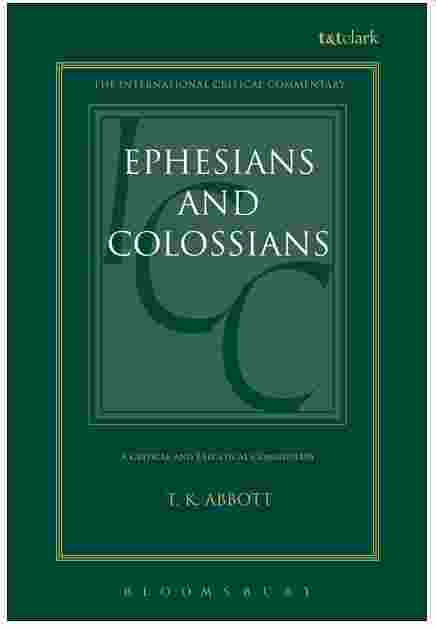
Abbott, T.K. – Ephesians Colossians Commentary

Critical and Exegetical Commentary on Ephesians and Colossians
Ephesians Colossians Commentary
BY T. K. ABBOTT, B.D., D.LITT
Formerly Professor of Biblical Greek, Now of Hebrew, Trinity College, Dublin
EDINBURGH
This is a technical Ephesians Colossians Commentary by a college professor of Greek and Hebrew, so it is very good. He has tried to get at the real meaning of the text, so his comments and commentary references are very good.
About Thomas Kingsmill Abbott
Thomas Kingsmill Abbott (1929-1913): A graduate of Trinity College, Dublin, where he would later teach for thirty years. There, he was both a Senior Fellow and a Professor of Biblical Greek and Hebrew. Abbott wrote many books on religious and scientific matters.
1909 – copyright date
 Biblical Definition of Spiritual Abuse explains false prophets acting as shepherd or pastors and how to identify them.
(https://www.theologicalsystems.com/spiritual-abuse-cults/biblical-definition-of-spiritual-abuse/)
Biblical Definition of Spiritual Abuse explains false prophets acting as shepherd or pastors and how to identify them.
(https://www.theologicalsystems.com/spiritual-abuse-cults/biblical-definition-of-spiritual-abuse/)
Ephesians Colossians Commentary
The Commentaries which have been regularly consulted are those of Chrysostom and Theodore of Mopsuestia, amongst the ancients; and amongst the moderns, Alford, Barry, De Wette, Eadie, Ellicott, Meyer (W. Schmidt), Moule, von Soden, and the Speaker’s; also for Ephesians, Harless, Stier, and Macpherson; and for Colossians, Lightfoot The Commentary of von Soden, though concise, is very acute and independent. Mr. Moule’s also, although bearing a modest title, is of great value. Other writers have been occasionally consulted. Much use has been made of Fritzsche’s occasional notes in his various commentaries, especially in connexion with the illustration. of the language of the Epistles from classical and late Greek authors. Wetstein, of course, has not been overlooked. Amazon.com
Advertisement
 Helpful Windows User Tip for "Searching Everything" on your PC. The Everything Search utility program is a freeware file search utility that is superfast and very useful for finding all occurrences of a file. It takes about 3-6 seconds to start, but after that, every search is just about instantaneous. Very fast, very useful. I highly recommend you download this free PC utility program if you ever have problems finding a file on your PC Computer.
twtutorial.com Helpful Tip "Everything Search".
Note: You can grab and drop files from this tool to other windows.